Laser cutting & engraving
Turn logos, signs and artwork into DXF outlines for CO2 and fiber lasers, ready for LightBurn and similar software.
From Sketch to CNC-Ready in Minutes
Convert PNG, JPG and BMP images to DXF online for laser cutting, CNC and CAD.
Free account: save your files and download them any time.
See it in action
VectorForge finds your object, removes the background and traces one clean outline your laser or CNC can follow.
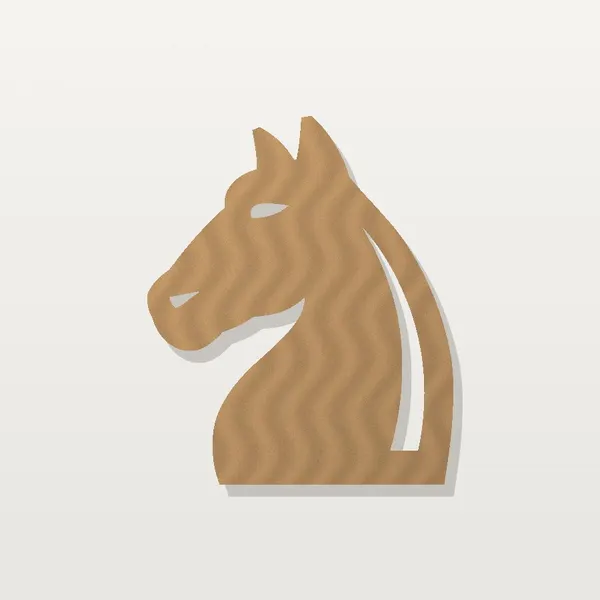
Examples converted with VectorForge
Three steps, no software to install. Works on Windows, Mac, Linux and tablets.
Drop a PNG, JPG or BMP file into the converter, or click to choose one from your device.
VectorForge turns your image into black and white and traces every shape into clean vector paths.
Download the DXF file and open it in your laser cutter, CNC router or CAD software.
DXF is the standard vector format for cutting machines. VectorForge gives you a file you can use right away.
Turn logos, signs and artwork into DXF outlines for CO2 and fiber lasers, ready for LightBurn and similar software.
Create vector paths from sketches and drawings for wood, plastic and aluminium CNC projects.
Convert silhouettes and metal art designs into DXF files for plasma tables and waterjets.
Bring a scanned drawing or picture into AutoCAD, Fusion 360, LibreCAD or Inkscape as editable vectors.
Upload a PNG or JPG image, click "Convert to DXF" and download your file. VectorForge turns the image into black and white, traces the shapes into clean vector paths and exports them as a DXF file.
You can upload PNG, JPG, JPEG and BMP images up to 10 MB.
Yes. DXF is the standard file format for laser cutters, CNC routers, plasma cutters and waterjets, and it opens in CAD programs such as AutoCAD, Fusion 360, LightBurn, Inkscape and LibreCAD.
High-contrast images work best: logos, silhouettes, line drawings, sketches and text on a plain background. Photos with many shades and soft edges are harder to trace into clean lines.
No. VectorForge runs in your browser, so it works on Windows, Mac, Linux and tablets.
You can convert without an account. Create a free account to save your conversions and download them again later.